---
title: "Start here: set up your devices"
description: "Pick your SiteHive Hexanode to open its install guide, then follow the first day on site: plan your install, install each device, see your first data."
image: https://support.sitehive.com/hs-fs/hubfs/Knowledge%20Base%20Import/homepageimages/enviro-setup.jpg?width=1200&name=enviro-setup.jpg
---
[Skip to content](https://support.sitehive.com/en-au/start-here-set-up-your-devices#main-content)
[](https://support.sitehive.com/?hsLang=en-au)
Open main navigation
Close main navigation
- [Contact us](https://support.sitehive.com/en-au/contact-us)
[Contact us](https://support.sitehive.com/en-au/contact-us?hsLang=en-au)
How can we help?
- There are no suggestions because the search field is empty.
1. [SiteHive Support](https://support.sitehive.com/en-au?hsLang=en-au)
2. [Getting started: first day on site](https://support.sitehive.com/en-au/getting-started-first-day-on-site?hsLang=en-au)
# Start here: set up your devices
Your first day with **SiteHive** on site: plan your install, install each device, then see your first data in **SiteHive Enviro**. Start with the install guide for your device.
### Choose the device you want to install
[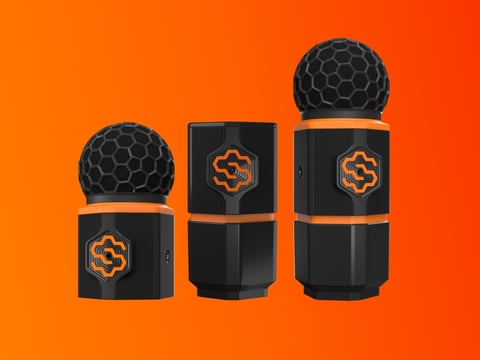**Noise, Dust or Noise+Dust***Install guide*](https://support.sitehive.com/en-au/install-your-sitehive-hexanode-noise-dust-or-noise-dust?hsLang=en-au) [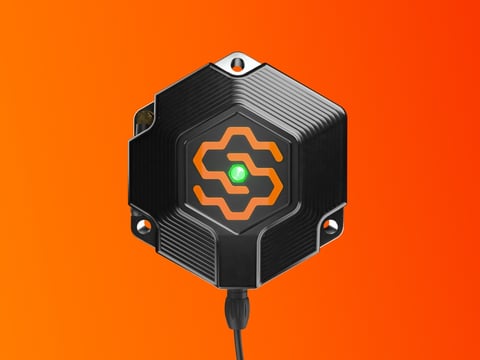**Vibration***Install guide*](https://support.sitehive.com/en-au/install-your-sitehive-hexanode-vibration?hsLang=en-au) [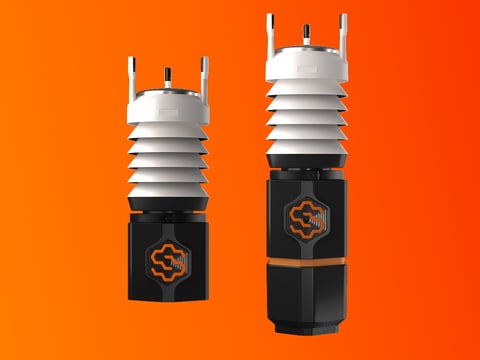**Weather***Install guide*](https://support.sitehive.com/en-au/install-your-sitehive-hexanode-weather?hsLang=en-au)
### How the first day goes
[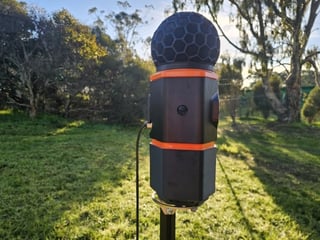 *Step 1* **Plan your install** *Decide where each device goes, how it's mounted and powered.*](https://support.sitehive.com/en-au/before-you-head-on-site?hsLang=en-au)
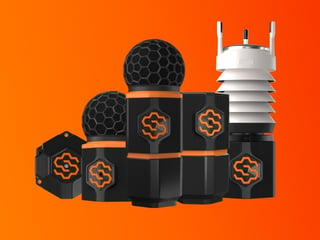
*Step 2* **Install each device** *Follow the install guides above, for each device on site.*
[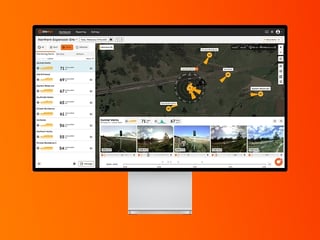 *Step 3* **See your first data** *Sign in to SiteHive Enviro, use Easy Setup to connect each device and see its data.*](https://support.sitehive.com/en-au/see-your-first-data?hsLang=en-au)
### Good to know before you start
[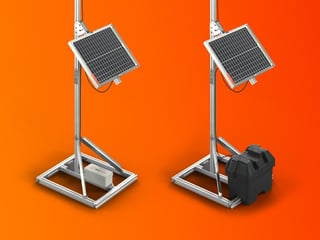 **Power and battery options** *Power options, and how long batteries can run for different device types.*](https://support.sitehive.com/en-au/power-and-battery-options?hsLang=en-au) [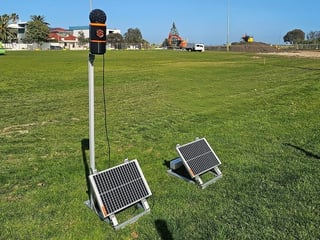 **Deployment gallery** *See how other sites have mounted their devices.*](https://support.sitehive.com/en-au/deployment-gallery-how-sites-set-up-their-devices?hsLang=en-au)
Stuck at any point? [Contact us](https://support.sitehive.com/en-au/contact-us?hsLang=en-au).
[](https://sitehive.com/)
[www.sitehive.com](https://www.sitehive.com)
[mailto:support@sitehive.co](mailto:support@sitehive.co)
Copyright © 2026, SiteHive