
The light in the centre of the SiteHive logo is your on-site check. Green means the device is powered, recording, and connected: you are done here and can move to the next device. This page is the one place that defines every light; the install and troubleshooting guides link here rather than repeating it.
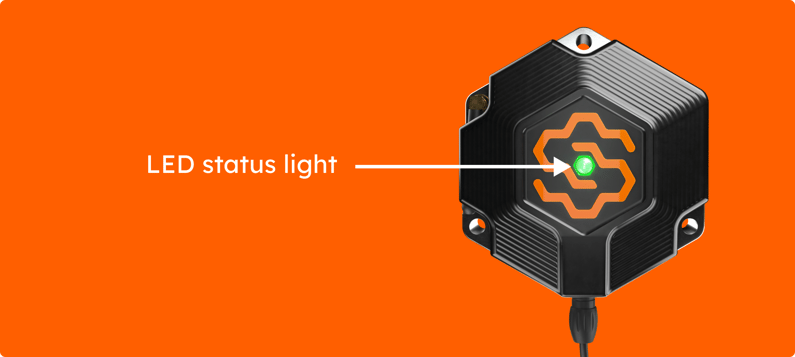
What each light means
If it never goes green
A device that will not go green is easiest to fix while you are still standing next to it.
Power cycle it. Unplug the device, wait 15 seconds, plug it back in. This clears most connection problems. Allow up to 15 minutes for the light to settle.
Still blue? Signal. Check your phone has coverage at the spot; if your phone does, the device should. Move it away from large amounts of concrete or metal, or higher up the pole.
No light at all? Power. Check the battery cable at both ends, the load cable into the device, and that the battery has charge. On a lead-acid setup, read the solar controller lights below.
Still stuck? Follow If a device goes offline, or email help@sitehive.com with the device serial and a photo of the setup.
What's next
One software pass: add all your devices (after the walk, assign every device to its Monitoring Point)
If a device goes offline (checking power and signal from the dashboard)
Keep devices powered through winter (solar and battery care when the days get short)