Skip to content
  • There are no suggestions because the search field is empty.

Start here: set up your devices

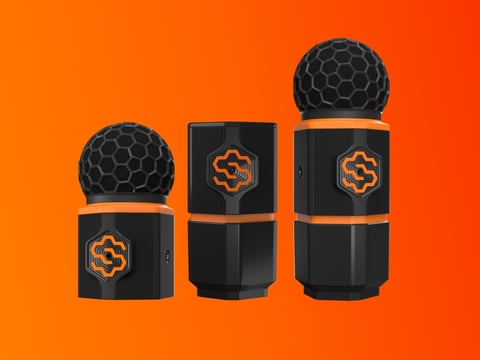
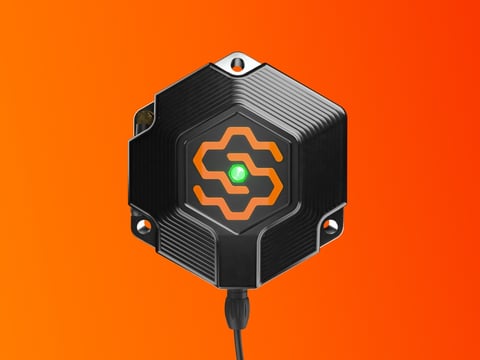
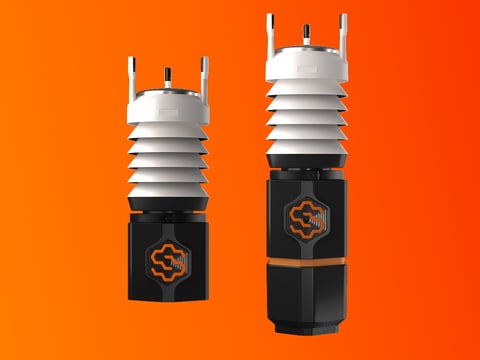
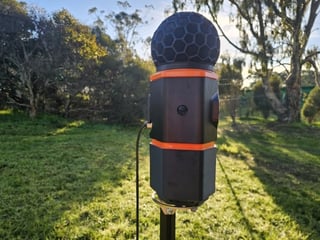
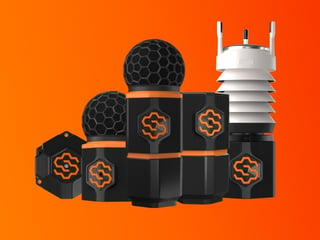
The SiteHive Hexanode device family: the compact Vibration puck, the flat-topped Dust column, and the Noise+Dust and Noise devices with spherical black foam windshields.

Your first day with SiteHive on site goes like this: plan and pack, walk the site installing one device at a time, then assign devices in the SiteHive Enviro software and see your first data. This page is the map; every step links to its guide.

How the first day goes

  1. Before you head on site. Decide where each device goes, how it is powered and what the Monitoring Points will be called, then check the kit against the list for your device type. Before you head on site

  2. Install each device. Work device by device with the guide for that device (below). Note which way the logo faces, take a photo, move to the next one. Do not wait for the dashboard on site; data takes up to 15 minutes to appear. Lights: what they mean and when to move on

  3. Assign your devices and see your first data. Open SiteHive Enviro, assign each device to its Monitoring Point with Easy Setup, and watch the map fill. Assign your devices and see your first data

Tomorrow morning, take two minutes on the Dashboard: Check your devices are online and healthy.

Pick your install guide

Not sure which device is in the box? Which Hexanode do I have?

Three Hexanode Vibration deployments: mounted with adhesive on a stone sill, spiked into the ground inside a core hole, and wall-mounted on a building corner.

Good to know before you start

💡 A device that will not go green is easiest to fix while you are standing next to it. Read the light, power-cycle it once, and if it stays stuck follow If a device goes offline or email help@sitehive.com with the serial and a photo.

Devices already deployed?

Skip the walk. Go straight to Assign your devices and see your first data to assign them to their Monitoring Points, then take the software tour in Your first login to SiteHive Enviro: Dashboard, Reporting, Settings, and inviting your team.

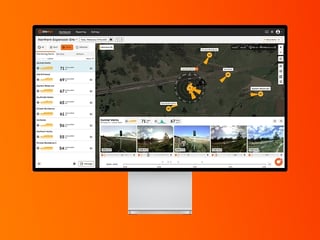
Annotated overview of the SiteHive Enviro dashboard: aspect selector, monitoring points side panel, interactive map, media reel and interactive timeline.

What's next

Before you head on site (start the day here: plan, power, kit)

Assign your devices and see your first data (devices installed, now the phone)

New to the software? Your first login to SiteHive Enviro (the tour, and where to go next)